Purupuru Maker use case
Anime Wobble Maker
A convincing anime wobble should feel like a light breeze, not a camera shake. This example moves selected hair strands and scarf tails while keeping the character’s face, eyes, shoulders, and background still.
Open Purupuru MakerThe animation goal
The source illustration uses clean cel shading and several overlapping soft shapes. Long hair and loose fabric are useful because viewers already expect them to lag behind the body. The face is the visual anchor: if the eyes, mouth, or jaw move, the animation feels like a distorted portrait instead of a deliberate accent.
Start with one motion family. In this example, the outer hair strands and scarf ends follow the same slow side-to-side rhythm. The tied hair, facial features, clothing seams, shoulder straps, and decorative background stay outside the mask. That contrast makes a small displacement readable without making the entire illustration look unstable.
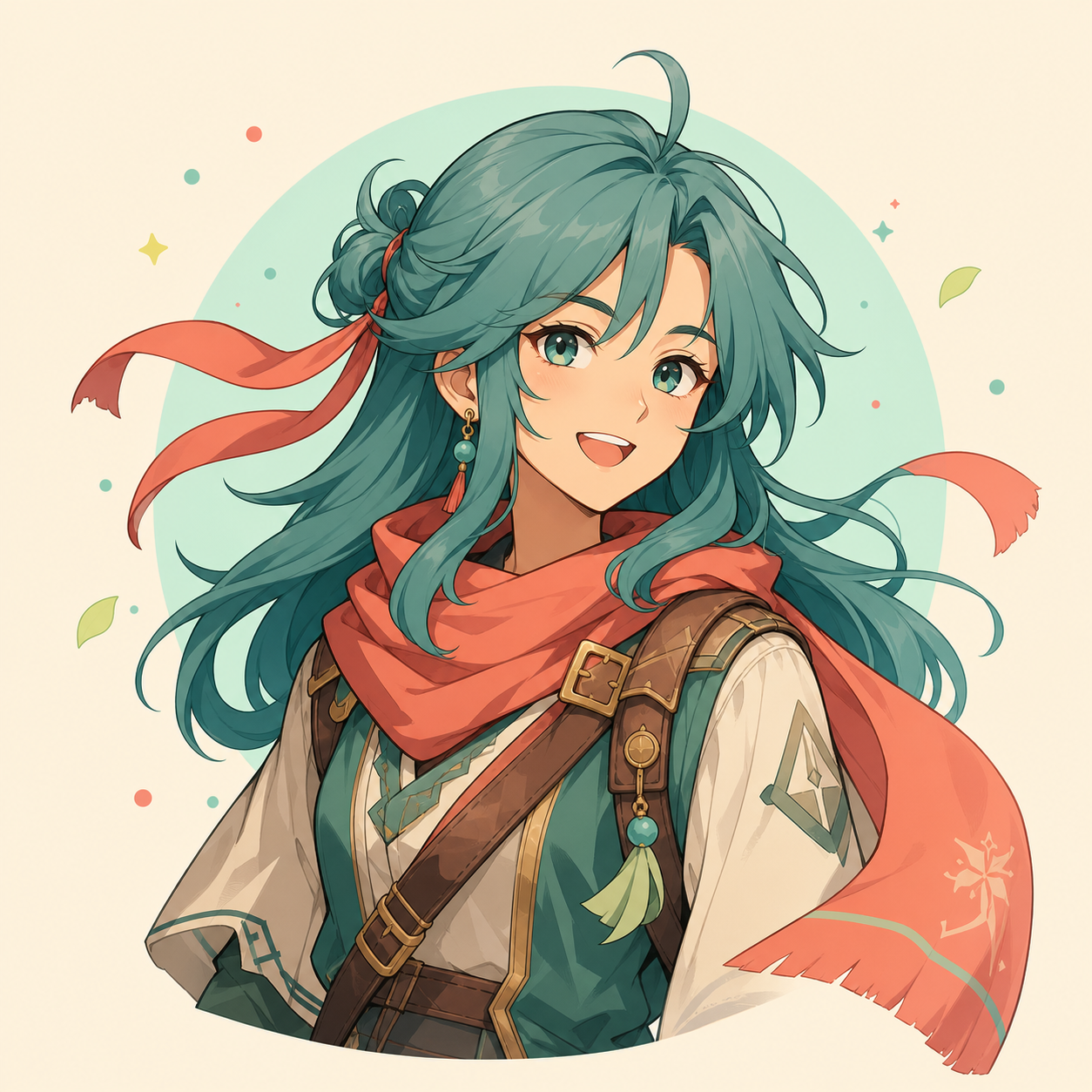
Paint this region
Paint the long outer hair strands on both sides and the free scarf tails. Stop before the eyebrows, eyes, jaw, shoulder hardware, and circular background edge.
Recommended settings and why
| Control | Value | Why it works |
|---|---|---|
| Motion | Sway | Sway gives long strands a directional arc instead of vibrating every edge. |
| Strength | 12px | Twelve pixels reads clearly at 480px without pulling hair across the face. |
| Speed | 0.8× | A slower cycle suggests weight and keeps the loop from feeling nervous. |
| Edge feather | 10px | Feathering blends the moving strands into unpainted line art at their roots. |
Step-by-step workflow
- 01
Choose a clean anchor
Upload artwork you created or have permission to edit. Identify the face and torso as the stable anchor before painting anything.
- 02
Paint from the tips inward
Use a medium brush on the ends of the hair and scarf, then approach the roots with shorter strokes. Do not cross facial outlines.
- 03
Select Sway and reduce strength
Begin at 12px and 0.8×. If a strand crosses the cheek or shoulder, reduce strength before changing the mask.
- 04
Feather the attachment points
Set Edge feather near 10px. Inspect the roots of the hair and scarf while the preview passes through both extremes.
- 05
Export a compact loop
Use 480p and 16 FPS for a shareable GIF. Keep the seamless-loop option on so the first and last frames join cleanly.
Keep the rest of the image stable
- Leave a narrow unpainted gap around the eyes, eyebrows, mouth, and jaw. These high-contrast lines reveal even tiny unwanted motion.
- Avoid painting every strand. Two or three separated moving groups create depth, while a full-head mask makes the portrait float.
- Keep straight costume seams and metal accessories stable. Rigid shapes provide a reference that makes the softer motion believable.
Troubleshooting this effect
The face appears to melt near the bangs.
Erase the mask one brush-width away from the forehead and lower strength by 2–4px. Keep feathering on the hair side of the boundary.
Hair roots visibly tear away from the head.
Extend a faint feathered mask slightly toward the root, but leave the scalp line unpainted. A soft transition works better than a hard edge.
The loop pauses or snaps at the end.
Keep Seamless loop enabled and use the documented speed. Avoid trimming individual GIF frames after export because that can remove the matching endpoint.
Export and sharing advice
Use GIF for forum posts, chat, and simple embeds. If a platform accepts video, WebM usually preserves gradients with a smaller file than GIF.
At larger resolutions, check thin line art after export. If edges shimmer, prefer 480p or reduce strength rather than increasing the frame rate.
The source illustration was generated as an original ChatGPT image for this guide. The animated GIF was exported from the current Purupuru Maker editor using the documented mask and settings.
Download this actual GIF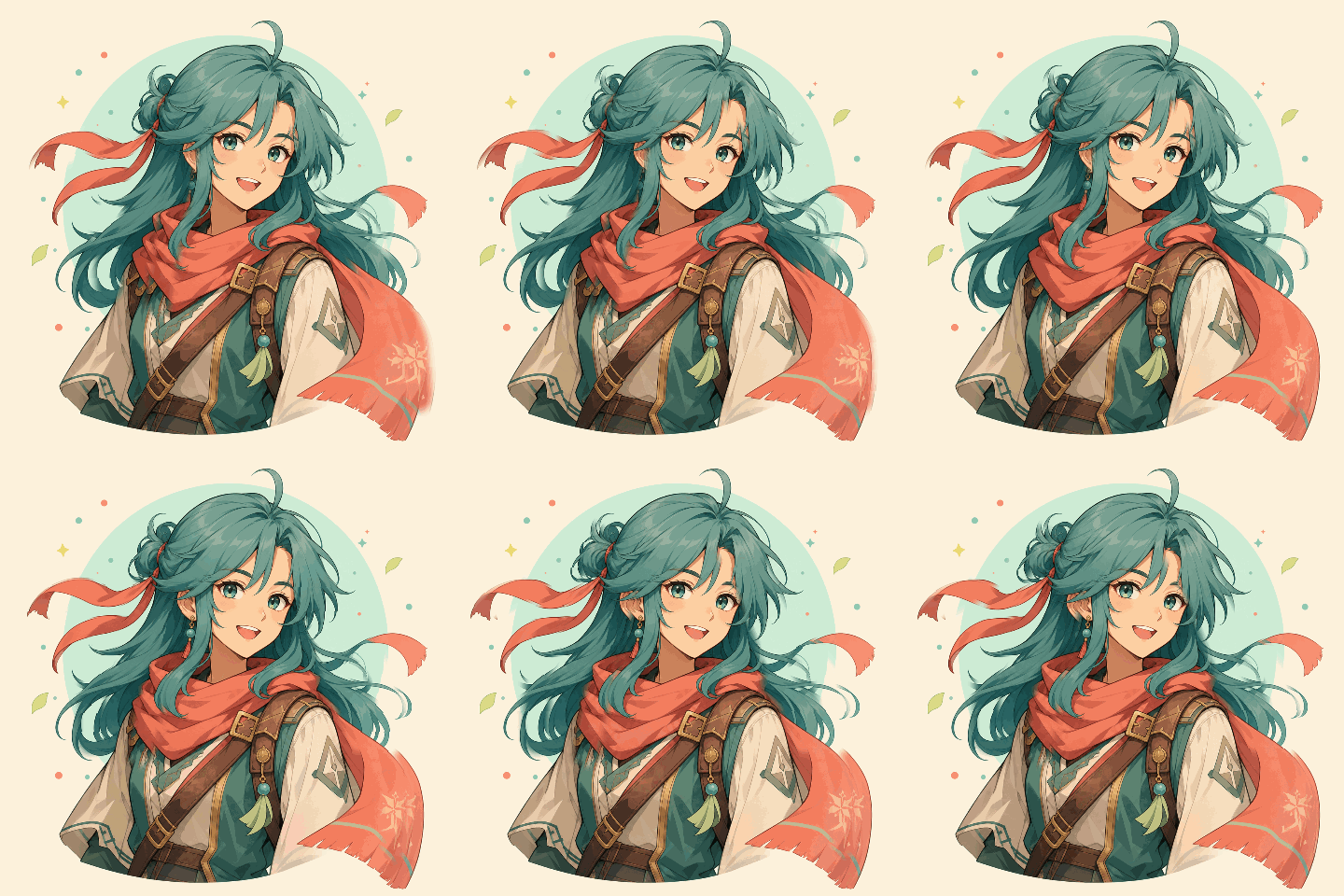
Questions about this use case
Should anime eyes or mouths be included in the mask?
Usually no. Stable facial features keep the expression readable. Animate them only as a separate, very small mask with lower strength.
Can transparent PNG artwork be used?
Yes. PNG is supported, but preview the exported edge against the destination background because soft transparent pixels can reveal halos.
Why use Sway instead of Wave for hair?
Sway moves the group as a readable arc. Wave is better for broad fabric or water-like motion and can look too busy on detailed bangs.