Purupuru Maker use case
Pet Wobble Maker
Pet photos work best when the motion follows soft fur and leaves identity-defining features untouched. This example adds a gentle local wobble to the ears, chest ruff, and tail while the eyes, nose, mouth, paws, and floor remain stable.
Open Purupuru MakerThe animation goal
The original studio photo has a clear silhouette, soft fur, and an uncluttered background. Those qualities make masking easier, but fur still needs a gradual transition. A hard circular mask through the coat creates a visible cut line, especially when the motion reaches its farthest point.
Treat the pet’s face and feet as anchors. The fluffy chest can move slightly because it already has irregular texture, and the tail can carry a separate accent. The coral ball and floor shadow remain unpainted, giving the viewer fixed objects that confirm the camera itself is not moving.
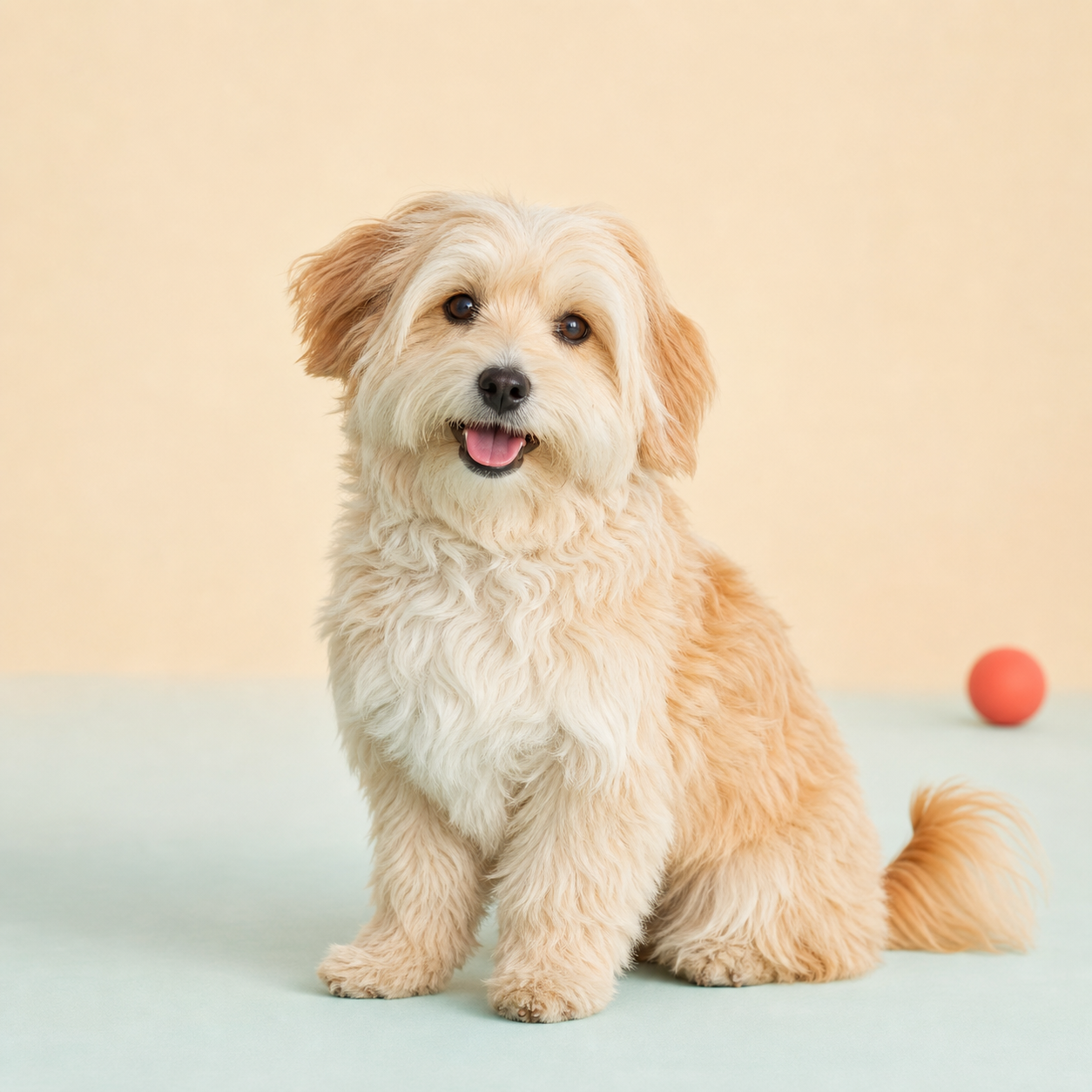
Paint this region
Paint the soft parts of both ears, three narrow strokes down the chest ruff, and the outer tail. Do not paint the eyes, muzzle, front legs, paws, floor shadow, or ball.
Recommended settings and why
| Control | Value | Why it works |
|---|---|---|
| Motion | Soft | Soft adds small multidirectional movement that suits irregular fur. |
| Strength | 10px | A restrained displacement keeps the ears and chest attached to the head and legs. |
| Speed | 1.0× | One calm cycle feels playful without suggesting shaking or distress. |
| Edge feather | 12px | Extra feathering hides the boundary inside fine fur strands. |
Step-by-step workflow
- 01
Pick a readable pet photo
Use a photo you own with a sharp face and one isolated soft feature. Busy grass and overlapping people make stable masking harder.
- 02
Protect the expression
Paint around the outer ear and chest fur, but keep the eyes, nose, mouth, whisker roots, and jaw line outside the mask.
- 03
Add one secondary accent
Paint the tail only after the chest looks natural. Separate masked areas can share a preset without connecting across the body.
- 04
Preview the silhouette
Watch the outline against the plain background. If fur stretches into a smooth rubber edge, lower strength or erase the outermost mask.
- 05
Export and test at actual size
Export at 480p and open the GIF at 100% scale. Small artifacts are easier to judge there than in a zoomed browser preview.
Keep the rest of the image stable
- Keep pupils, catchlights, and the nose completely stable. Viewers track those details first and notice any accidental drift immediately.
- Paint several narrow fur strokes instead of one large solid oval. The unpainted gaps preserve texture and keep the body grounded.
- Do not include the floor shadow with the tail. A moving shadow implies the whole animal changed position rather than one soft feature wobbling.
Troubleshooting this effect
The ear looks detached from the head.
Erase the mask at the ear base, increase feathering, and keep motion on the softer outer half. The attachment point should barely move.
The chest looks like a single rubber sheet.
Break the mask into two or three vertical strokes with small gaps. Lower strength and let the original fur texture carry the effect.
The background flickers around the tail.
Use Eraser along the outside silhouette and avoid painting the floor shadow. A smaller brush is more reliable on thin tail fur.
Export and sharing advice
A one-second loop keeps photographic GIF size under control. Use WebM when the destination supports it and smooth color gradients matter more than universal compatibility.
Avoid repeated re-encoding in social apps. Upload the original local export, then check whether the platform adds a crop or heavy compression.
The source pet photograph was generated as an original ChatGPT image for this guide. The animated GIF was exported from the current Purupuru Maker editor using the documented mask and settings.
Download this actual GIF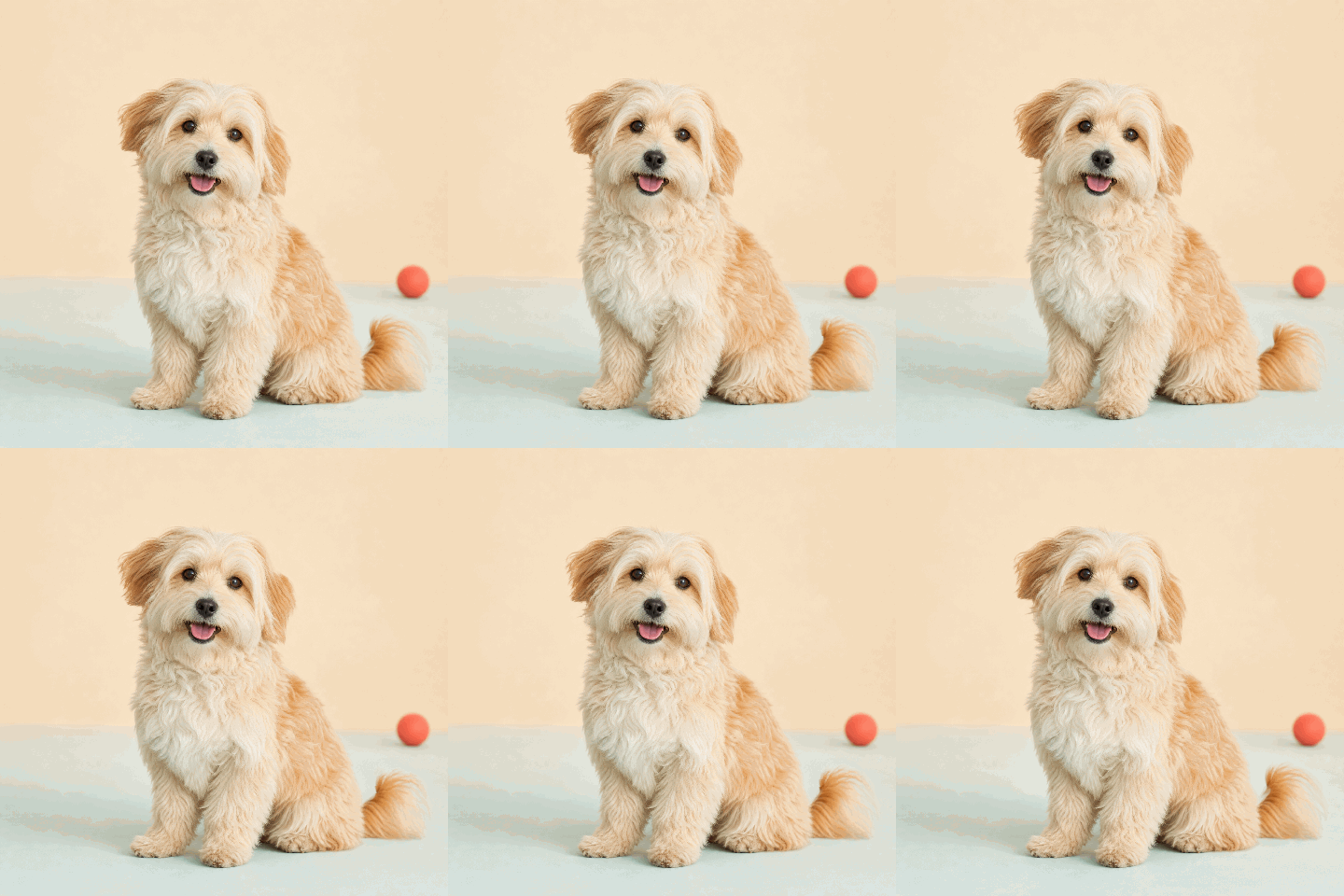
Questions about this use case
Which pet feature is easiest to animate?
A floppy ear, fluffy chest patch, or isolated tail is easier than the entire head because each has a soft edge and a clear stable attachment point.
Can I animate more than one area?
Yes, but add areas one at a time. Two small accents usually look more natural than a mask covering the whole animal.
Why does pet photography create larger GIFs?
Fur and gradients contain many colors and small details. Shorter duration, 480p resolution, and 16 FPS reduce size without changing the source photo.