Private browser wobble studio
Purupuru Maker
Free Online Image Wobble Maker
Purupuru Maker lets you upload an image, paint the part you want to move, apply a wobble or jiggle effect, and export a GIF, WebM, or MP4—all locally in your browser.
- Local
- No upload
- 8 motions
- Soft to shake
- 3 formats
- GIF · WebM · MP4
Paint wobble area
Brush the part that should move, or erase the mask to refine it.
 Preparing editor...
Actual output proof
Real Purupuru Maker exports
Four original source images, four actual Purupuru Maker exports. Open a guide to compare the source, play the GIF, and copy the exact settings.
 Actual browser export
Sway · 1 second
Anime Wobble Maker
Create a light, looping motion for hair, clothing, and accessories.
See source, mask and settings →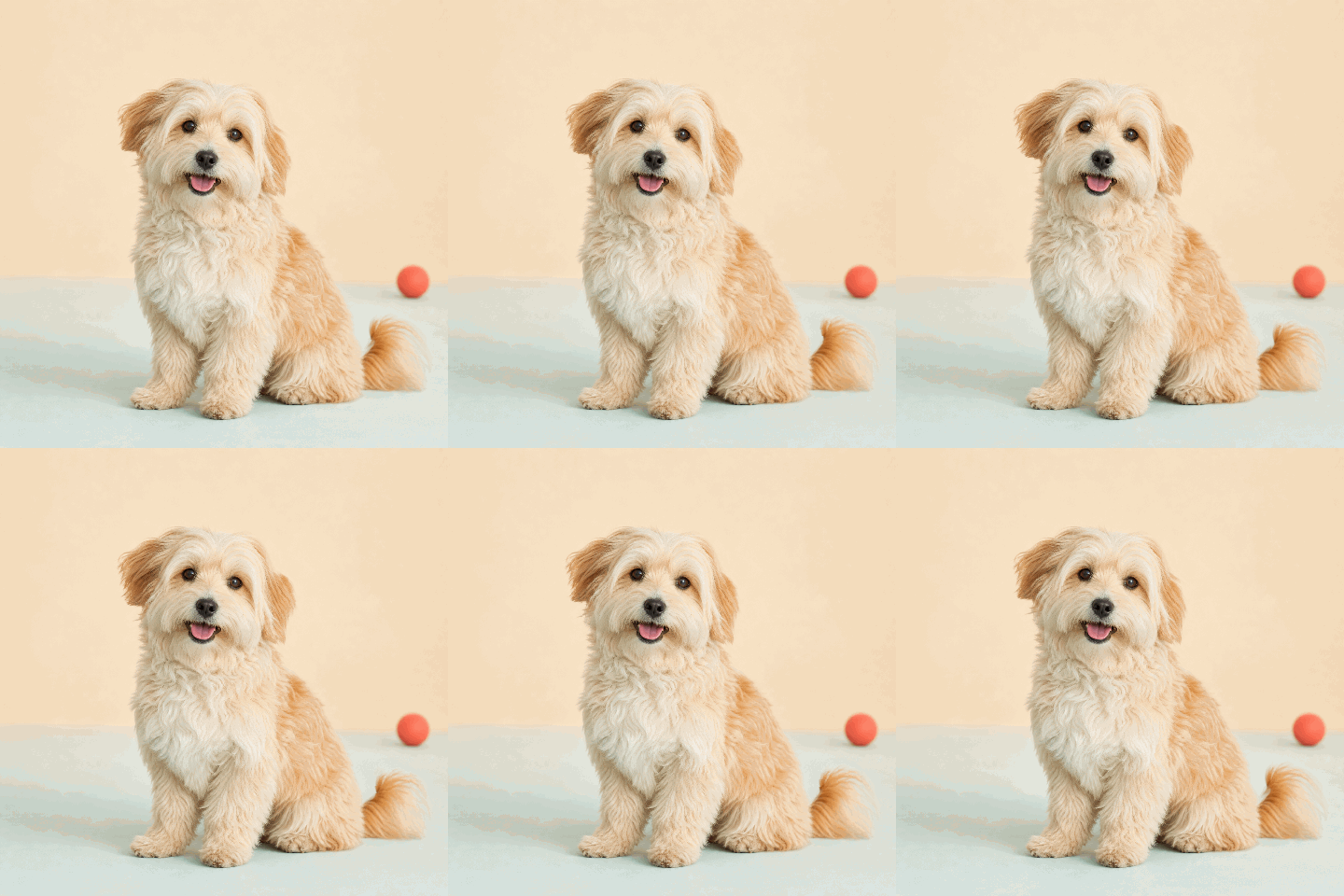 Actual browser export
Soft · 1 second
Pet Wobble Maker
Make one soft pet feature bounce while the rest of the photo stays stable.
See source, mask and settings →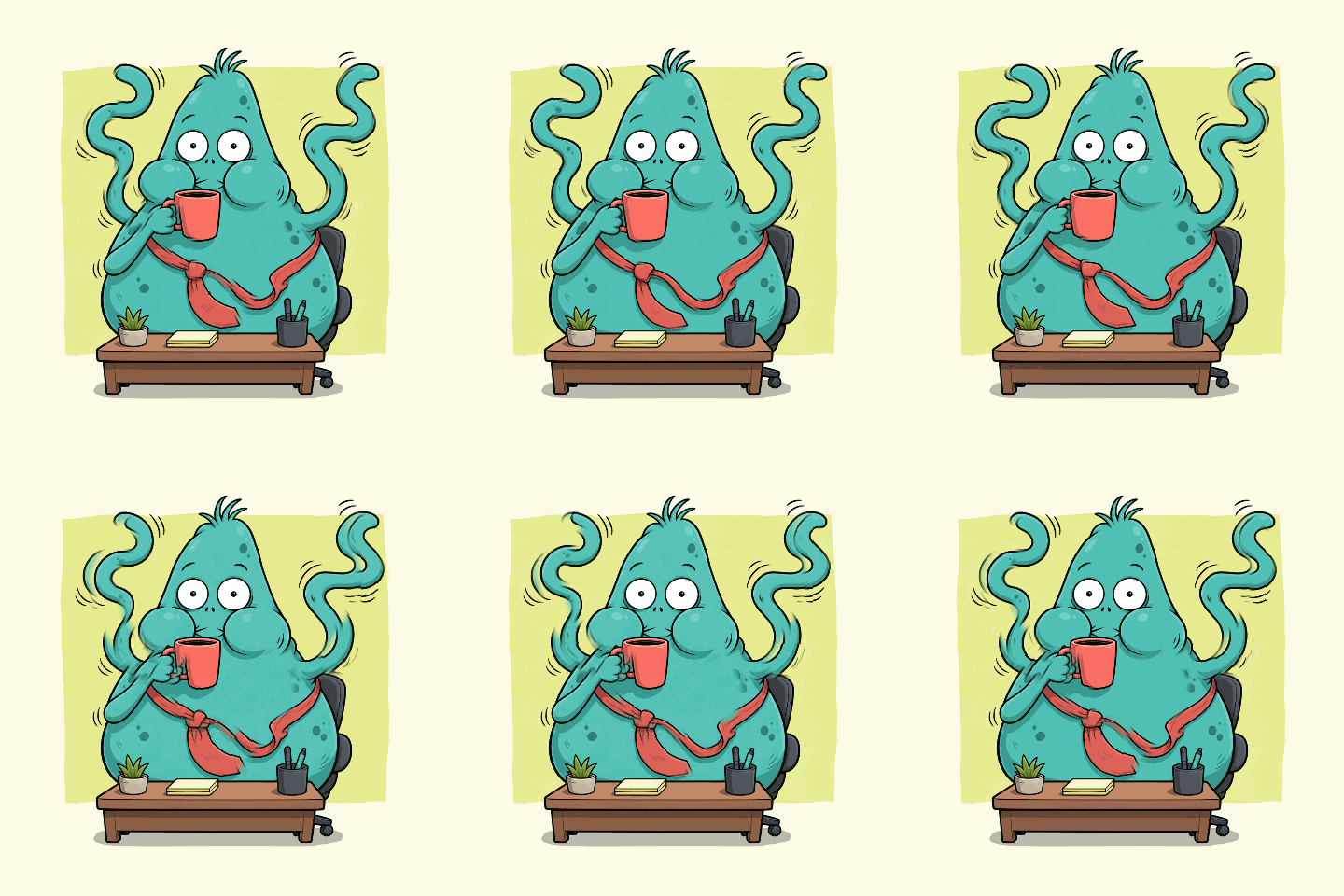 Actual browser export
Shake · 2 seconds
Meme GIF Maker
Use a short shake or bounce to make the punchline land faster.
See source, mask and settings →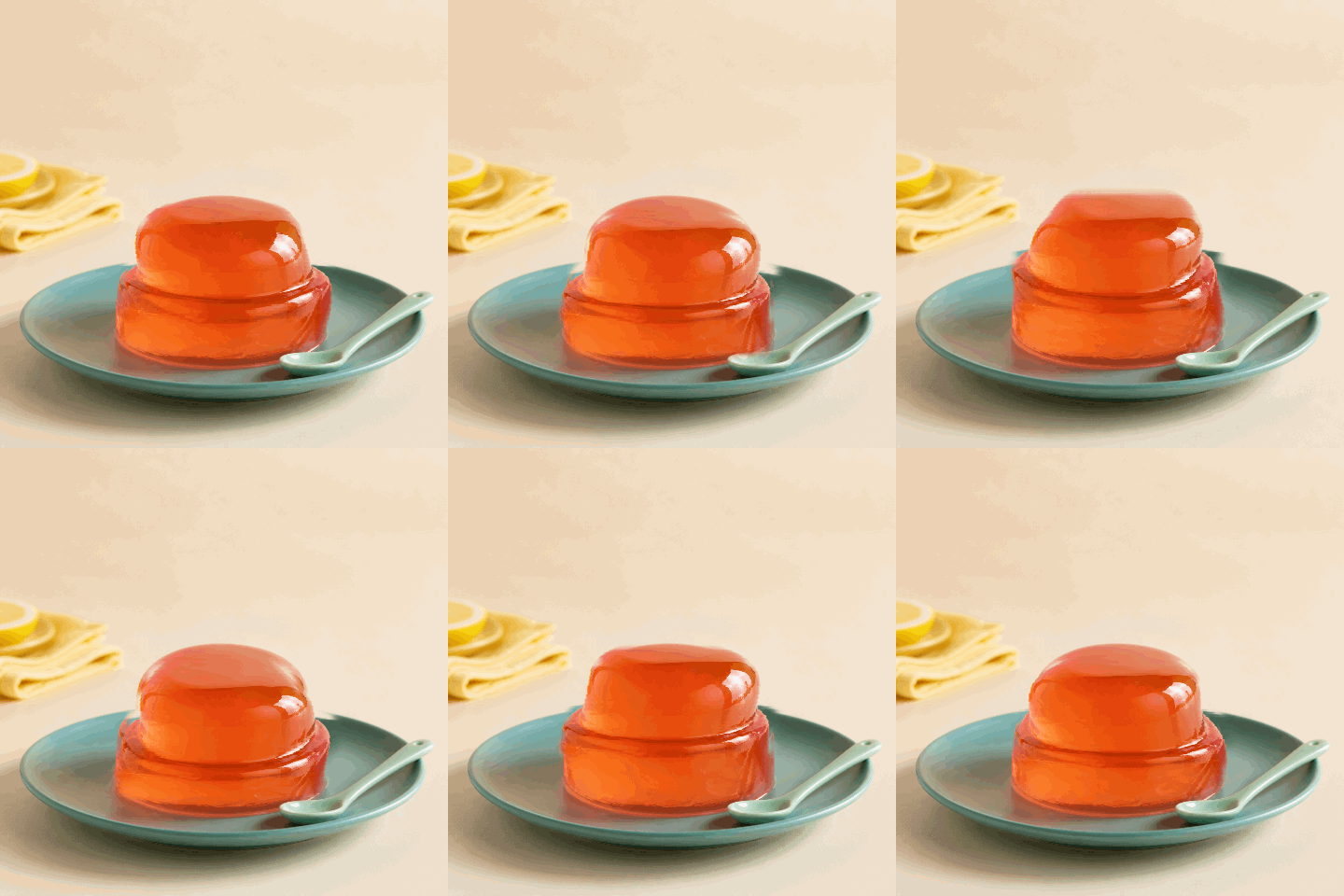 Actual browser export
Jelly · 2 seconds
Product Wobble Animation
Give food, packaging, and product details a subtle moving loop.
See source, mask and settings →Four-step workflow
How to use Purupuru Maker
Purupuru Maker uses a painted mask to decide which pixels should move. The selected area animates in the browser, while the original file remains on your device.
- 01
Upload
Choose a JPG, PNG, or WebP image up to 10MB.
- 02
Paint
Brush or erase the local mask without uploading.
- 03
Tune
Choose a motion and soften its edge before rendering.
- 04
Export
Download GIF, WebM, or supported MP4 animations locally.
Cleaner motion
Best results
A few small choices make wobble edits look cleaner and easier to share.
- Use Brush to add a wobble area and Eraser to refine it.
- Keep Mask visible while painting, then use Edge feather to soften the boundary.
- Try Bounce or Pulse for obvious movement; use Soft or Float for subtle edits.
- Start with a short loop for smaller files and smoother sharing.
Purupuru Maker FAQ
Common questions about creating wobble and jiggle animations in your browser.
What is Purupuru Maker?
Purupuru Maker is a browser tool for turning part of an image into a soft wobble, jiggle, bounce, or wave animation.
Is Purupuru Maker free?
Yes. Purupuru Maker is free to use in your browser, with no account or download required.
Are my images uploaded?
No. Images are processed locally in your browser. This site does not upload, store, publish, or review your files.
Which formats can I export?
You can export GIF and WebM in modern browsers, plus MP4 when your browser provides an MP4 encoder. Every export is generated on your device.
Does it work on mobile?
Yes. Recent mobile browsers are supported, although large images and GIF export may be slower on low-memory devices.
What images work best?
Clear subjects with soft edges work best: hair, fabric, characters, product details, mascots, and meme reaction images.