Purupuru Maker use case
Meme GIF Maker
A reaction GIF has only a moment to communicate. Instead of shaking the whole frame, move the expressive arms, cheeks, or tie while the eyes, mug, desk, and background remain readable.
Open Purupuru MakerThe animation goal
This original cartoon shows a surprised office creature holding coffee. The wide eyes provide the reaction, but they do not need to move. The raised noodle-like arms, puffed cheeks, and loose tie already imply tension, so a fast local shake amplifies the joke without blurring the entire composition.
The source has no caption. If you add text before uploading your own meme, keep every letter outside the mask. Stable typography and stable props act as a visual ruler: viewers can see that the character is reacting while the scene remains fixed. Preserve a small gap around the mug, desk edge, and background rectangle as well; those rigid boundaries make the local shake look faster and cleaner.
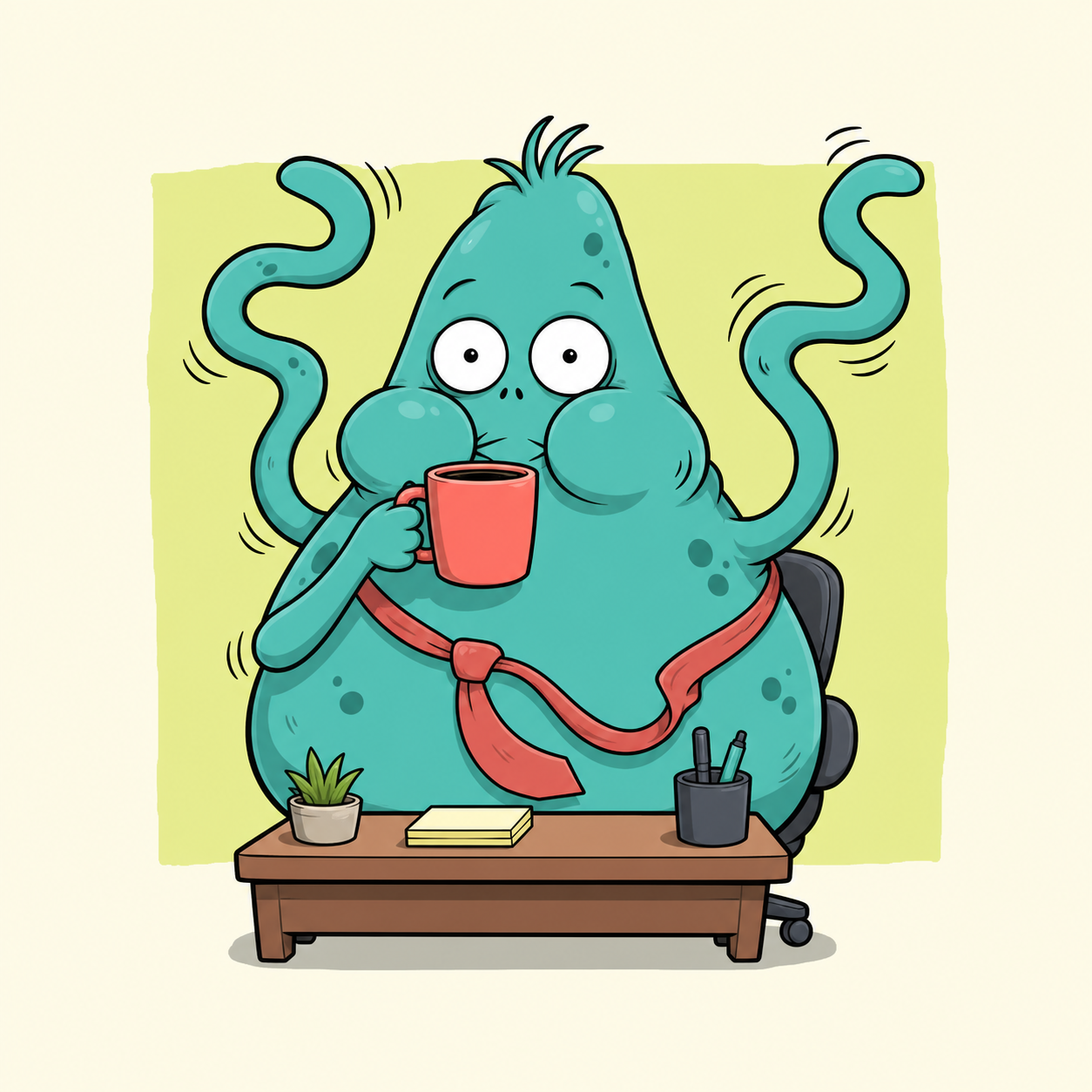
Paint this region
Paint both raised arms from the shoulders toward the tips, add small masks on the cheeks and tie, and leave the eyes, mug, hand around the mug, desk, and all hard props unpainted.
Recommended settings and why
| Control | Value | Why it works |
|---|---|---|
| Motion | Shake | Shake creates immediate emphasis that reads even in a small chat preview. |
| Strength | 14px | The bold shapes tolerate more displacement than hair or photographic fur. |
| Speed | 1.2× | A faster cycle supports the panicked expression without becoming visual noise. |
| Edge feather | 8px | Moderate feathering keeps bold outlines crisp while softening shoulder joins. |
Step-by-step workflow
- 01
Identify the punchline
Choose one visual detail that carries the reaction. If everything moves, the viewer has no stable element against which to read the joke.
- 02
Protect captions and props
Paint around text, eyes, the mug rim, and desk edges. Hard geometric objects make accidental distortion especially obvious.
- 03
Mask the expressive shapes
Trace the raised arms, then add small cheek and tie masks. Keep the hand holding the mug stable so the object does not appear to spill.
- 04
Tune the shake
Set 14px at 1.2× and preview at thumbnail size. Reduce strength if outlines collide with nearby props or the background border.
- 05
Export a chat-ready GIF
Use 480p, 16 FPS, and a seamless two-second loop. Test the file in the actual chat or community where it will be posted.
Keep the rest of the image stable
- Keep all text outside the mask. Animated letters are harder to read and compression makes their edges shimmer.
- Anchor at least one object held by the character. A stable mug makes the arm motion feel intentional instead of like camera vibration.
- Leave a gap between the arm mask and the background border. That prevents the moving outline from dragging background color into the character.
Troubleshooting this effect
The entire meme looks blurry.
Erase large body areas and keep motion on the arms, cheeks, or tie. Preview at the final small display size before exporting again.
The mug bends or appears to spill.
Remove the mug, rim, and gripping fingers from the mask. Stop the moving arm mask before it reaches the hand.
The reaction feels slow rather than urgent.
Increase speed before increasing strength. Faster timing adds energy without pushing outlines farther across the frame.
Export and sharing advice
GIF is the safest choice for chat and forum reactions. Keep the original export so you can upload it again without stacking another generation of compression.
If a service enforces a strict upload limit, shorten the loop before lowering resolution. The reaction remains readable when it repeats more often.
The source cartoon was generated as an original ChatGPT image for this guide and does not use an existing meme template. The GIF was exported from the current Purupuru Maker editor.
Download this actual GIF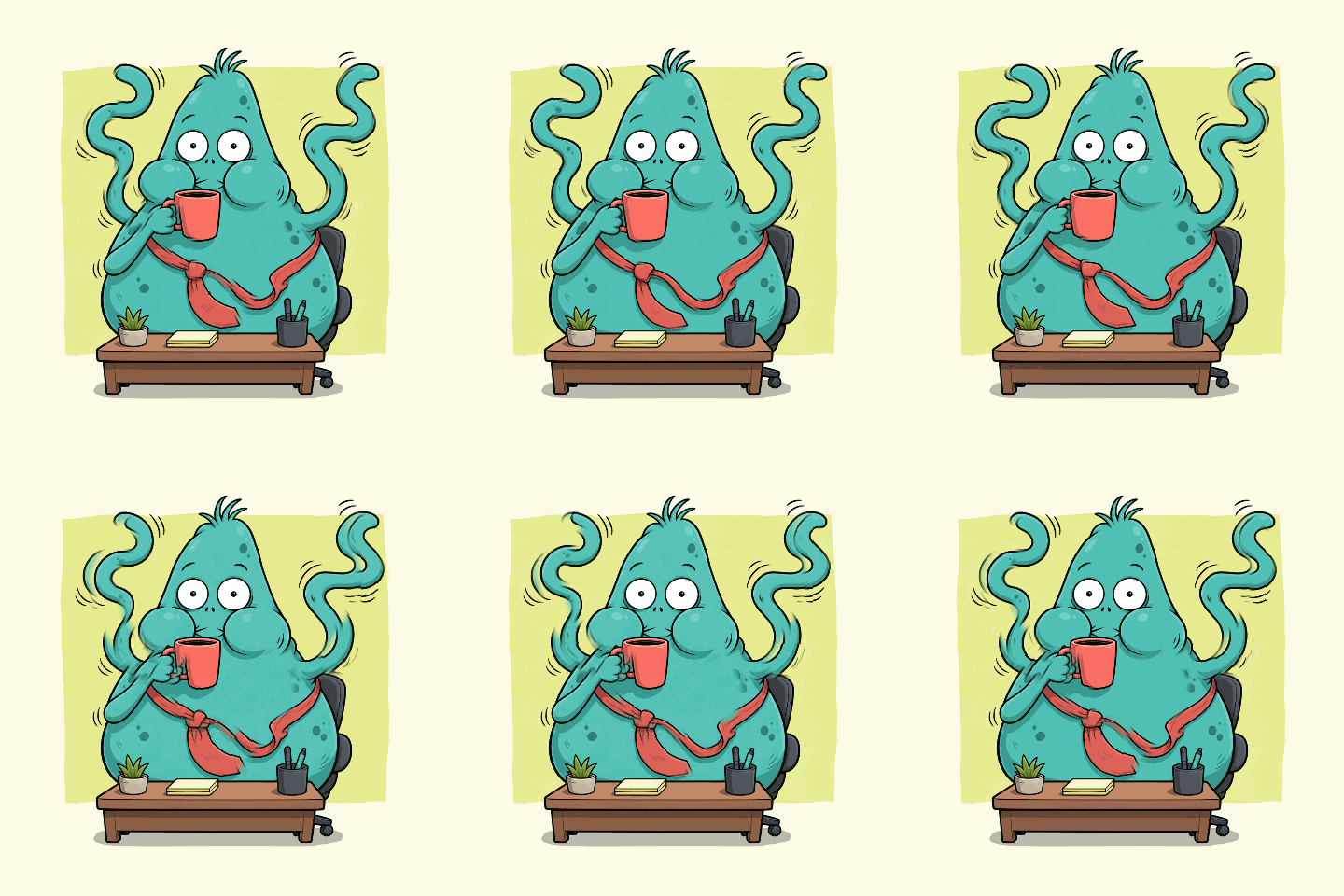
Questions about this use case
Can I use an existing meme template?
Only if you have the right to edit and share it. An original drawing or your own photograph gives you clearer provenance and a more distinctive result.
Should the caption be added before or after animation?
Add it before upload if you want a single GIF, but leave the caption unpainted. Adding text afterward can also work if your publishing tool preserves animation.
Is Shake always the best meme preset?
No. Use Bounce for a playful vertical reaction and Pulse for a swelling emphasis. Shake works best for surprise, panic, or emphatic disagreement.